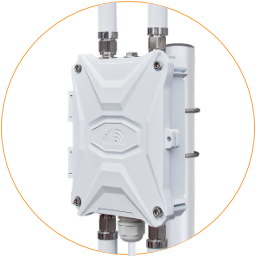
Insert SIM Card
The outdoor 4G router requires inserting at least one SIM card to connect to the mobile networks. The SIM card is not included with the router.
Use a Nano SIM card (12.3x8.8mm) on the 4G router. If it’s a new SIM card, please follow the instructions from the mobile carrier to activate it.

Step by Step
Section titled “Step by Step”- Open the enclosure and locate the SIM1 slot in the top right corner of the router motherboard.
- Hold the lid of the SIM card slot and slide left to open the lid.
- Put a Nano SIM card in the SIM card slot. There is only one correct way to settle the SIM card—the gold pins should be face down, and the notch should be in the top right corner.
- Cover the SIM lid and slide it right to lock it.
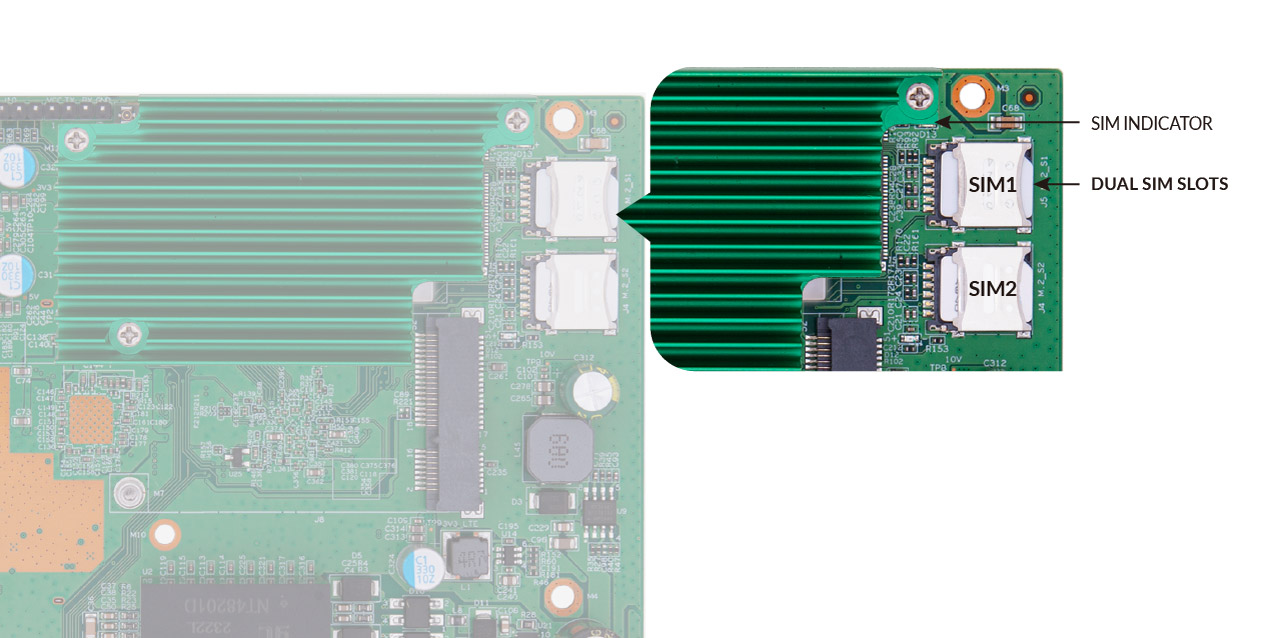
SIM Indicator and Dual SIM Card Slots